

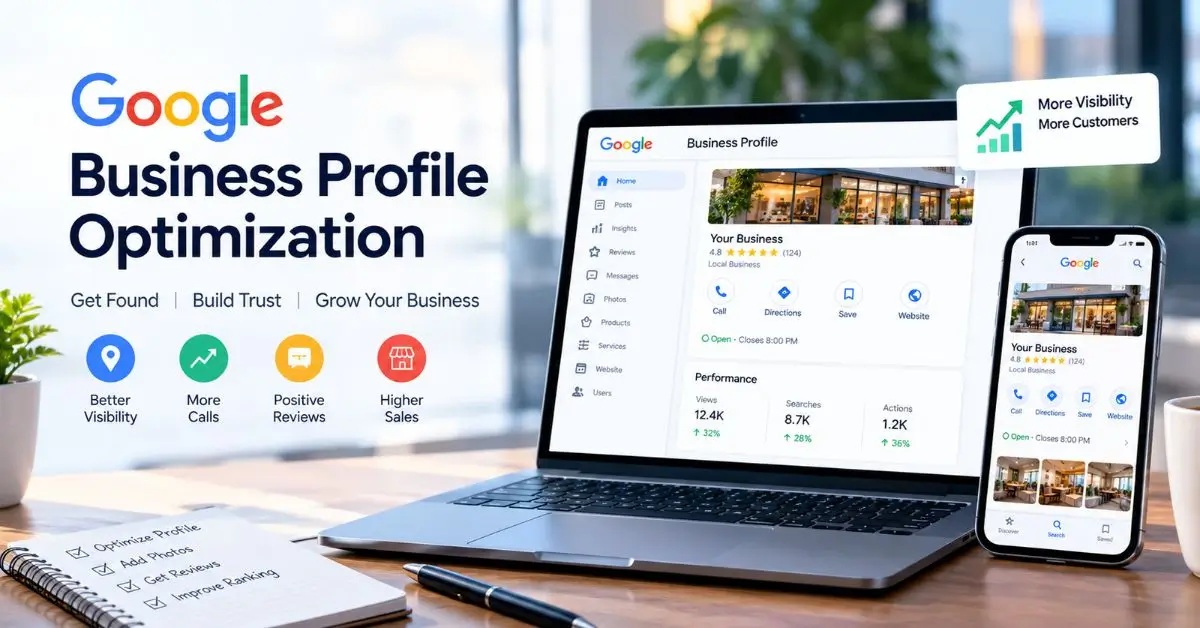
Google Business Profile Optimization
You run a local business. You have a website, a social media presence, and maybe even a few online ads running. But when someone in your area searches for your services on Google, your competitors show up in the map pack and you do not. Your phone is not ringing. Your foot traffic is flat.
The problem is likely your Google Business Profile. This free listing is the single most important factor for local search visibility, and most business owners either ignore it or set it up once and never touch it again.
In this guide, you will learn exactly how to optimize every part of your profile to rank higher in local results, attract more customers, and beat the competition in the map pack. No jargon. No fluff. Just clear steps you can follow today.
Google Business Profile optimization is the process of improving your free business listing on Google to rank higher in local search results and the map pack. It includes completing your business information, choosing the right categories, adding photos, managing reviews, and posting regular updates to signal relevance and activity to Google.
Quick Summary
Your Google Business Profile is the most powerful free tool for local visibility. Proper Google Business Profile optimization means filling out every section completely, choosing accurate categories, uploading real photos, earning genuine reviews, and posting weekly updates. These steps tell Google your business is active, relevant, and trustworthy, which directly improves your position in local search results and the map pack.
Why Your Business Profile Matters More Than Your Website for Local Search
Most business owners spend thousands of dollars on their website and almost zero time on their Google listing. That is backwards if you serve local customers.
When someone searches for “plumber near me” or “dentist in Dallas,” Google shows a map pack at the top of the results with three local businesses. Those three listings get the majority of clicks and calls. The organic website results below the map pack get significantly less attention.
Your website helps you rank in those organic results. But your Google Business Profile is what gets you into the map pack. And the map pack is where most local customers make their decision.
Here is a real example. A family-owned HVAC company in Houston had a decent website but a nearly empty Google listing. Their profile had no photos, no posts, and only three reviews from two years ago. A competitor across town had a fully optimized profile with 120 reviews, weekly posts, and dozens of photos. The competitor appeared in the map pack for every important local search. The HVAC company did not appear at all.
After three months of focused Google Business Profile optimization, the HVAC company grew their review count to 45, added 30 photos, and started posting weekly updates. They moved into the map pack for their top five keywords and saw a 40% increase in phone calls from their listing.
Step 1: Claim and Verify Your Profile
If you have not claimed your profile yet, this is where everything starts. Go to business.google.com and search for your business name. If it already exists, click “Claim this business.” If it does not exist, click “Add your business to Google.”
Google will ask you to verify ownership. The most common verification method is a postcard sent to your business address with a code. Some businesses qualify for phone, email, or video verification.
Do not skip verification. An unverified profile has limited visibility and cannot access most of the features you need for proper optimization.
Once verified, make sure you have manager or owner access. This gives you full control over every section of the listing.
Step 2: Complete Every Section of Your Business Information
This sounds obvious, but you would be surprised how many profiles have missing or incomplete information. Google rewards completeness. Profiles with fully filled-out sections rank higher than profiles with gaps.
Business name. Use your real business name exactly as it appears on your storefront and legal documents. Do not stuff keywords into your business name. Google actively suspends listings that do this.
Address. Your address must match your actual physical location. If you are a service area business that visits customers instead of receiving them, you can hide your address and set a service area instead.
Phone number. Use a local phone number that matches your area code. Avoid toll-free numbers if possible because local numbers signal geographic relevance to Google.
Website URL. Link to your homepage or a dedicated location page if you have multiple branches.
Hours of operation. Fill in your regular hours and update them for holidays. Google shows “Open now” labels in search results, and inaccurate hours frustrate customers and damage trust.
Business description. You get 750 characters to describe your business. Use the first 250 characters wisely because that is all most users see before clicking “more.” Include your primary services and your city or neighborhood naturally. Do not stuff keywords. Write for humans.
Step 3: Choose the Right Primary and Secondary Categories
Categories are one of the strongest local ranking signals. Your primary category tells Google what your business is. Your secondary categories tell Google what else you do.
Choose your primary category carefully. If you are a dental practice, “Dentist” is likely your best primary category. Do not choose “Doctor” or “Health” because those are too broad and will put you in competition with every medical office in your area.
Then add relevant secondary categories. A dentist might add “Teeth Whitening Service,” “Cosmetic Dentist,” and “Emergency Dental Service” as secondary categories. Each secondary category helps you appear in more specific searches.
A common mistake is choosing too many secondary categories that are not truly relevant. Google can detect this and may lower your ranking as a result. Only add categories that accurately describe services you actually provide.
Step 4: Add High-Quality Photos and Videos
Profiles with photos get 42% more requests for driving directions and 35% more clicks to their websites compared to profiles without photos. This is one of the easiest wins in Google Business Profile optimization.
Upload real photos of your business. Include your storefront, your team, your office interior, your products, and your work in progress. Stock photos look fake and do not help your ranking.
Aim for at least 20 to 30 photos to start. Upload new photos every month to signal to Google that your business is active. Geo-tagged photos taken at your business location carry extra weight because they confirm your physical presence.
You can also upload short videos up to 30 seconds long. A quick video tour of your office or a brief introduction from your team can set your listing apart from competitors who only have static images.
Step 5: Build and Manage Your Reviews
Reviews are the second most important local ranking factor after categories. They influence both your position in the map pack and your click-through rate.
A business with 80 reviews and a 4.7 rating will almost always outrank a business with 12 reviews and a 4.9 rating. Volume and recency matter just as much as the average score.
Ask for reviews consistently. The best time to ask is right after a positive interaction. Send a follow-up text or email with a direct link to your review page. Make it as easy as possible for happy customers to leave feedback.
Respond to every review. Reply to positive reviews with a genuine thank you. Reply to negative reviews professionally and offer to resolve the issue offline. Google notices when business owners engage with their reviews, and it signals that you care about customer experience.
Never buy fake reviews. Google’s spam detection is sophisticated. Fake reviews get removed, and your listing can be suspended. The risk is not worth the short-term gain.
Step 6: Post Regular Updates
Google Business Profile posts let you share updates, offers, events, and news directly on your listing. These posts appear in your profile and can influence local rankings by signaling activity and relevance.
Post at least once a week. Share seasonal promotions, new services, team highlights, or helpful tips related to your industry. Each post stays visible for seven days before it gets pushed down, so weekly posting keeps your profile fresh.
Include a clear call to action in every post. Use buttons like “Call Now,” “Book Online,” or “Learn More” to drive engagement directly from your listing.
Step 7: Optimize the Q&A Section
Anyone can ask a question on your Google Business Profile, and anyone can answer it. If you do not monitor this section, incorrect answers from strangers could mislead potential customers.
Pre-populate your Q&A section by asking and answering the most common questions yourself. Questions like “Do you offer free estimates?” or “Is parking available?” are great candidates. This gives accurate information to visitors and signals relevance to Google.
Check your Q&A section at least once a week and respond to new questions within 24 hours.
Common Mistakes That Hurt Your Local Rankings
Keyword stuffing your business name. Adding phrases like “Best Plumber in Chicago” to your business name violates Google’s guidelines and can get your listing suspended.
Using a P.O. Box as your address. Google requires a real physical address. P.O. Boxes are not accepted and will prevent verification.
Creating duplicate listings. Having multiple profiles for the same location confuses Google and splits your ranking signals. If you find duplicates, request to merge them through Google’s support.
Ignoring negative reviews. Leaving negative reviews unanswered signals to Google and potential customers that you do not care about feedback. Always respond professionally.
Setting and forgetting. A profile that has not been updated in six months looks inactive to Google. Regular updates, posts, and photo uploads keep your listing competitive.
Priority Checklist
Here is a simple table to help you decide which Google Business Profile optimization tasks to tackle first based on impact and effort.
| Task | Impact on Local Rankings | Effort Level | Do This First? |
|---|---|---|---|
| Complete all business information | Very High | Low | Yes |
| Choose accurate categories | Very High | Low | Yes |
| Build and respond to reviews | Very High | Ongoing | Yes |
| Upload real photos | High | Low | Within first week |
| Post weekly updates | Medium | Low | Ongoing |
| Optimize Q&A section | Medium | Low | Within first month |
| Add products and services | Medium | Medium | Within first month |
Start with the top three. They deliver the biggest ranking improvements and take the least amount of time.
Final Thoughts
Your Google Business Profile is the front door to your local online presence. When someone in your area searches for your services, this listing is often the first thing they see. If it is incomplete, outdated, or poorly optimized, you are handing customers directly to your competitors.
Google Business Profile optimization is not a one-time task. It is an ongoing process that rewards consistency. Fill out every section. Upload fresh photos. Earn genuine reviews. Post weekly updates. Respond to every question and review. These small actions compound over time and build a listing that dominates local search results.
The best part is that it is completely free. The only cost is your time and attention. And the return on that investment is more phone calls, more foot traffic, and more revenue from local customers who are actively searching for what you offer.
Frequently Asked Questions
How long does Google Business Profile optimization take to show results?
Most businesses start seeing improvements in local search visibility within four to eight weeks after completing their optimization. Highly competitive markets may take longer, while less competitive areas can show results sooner. Consistency with reviews and posts accelerates the process.
Is Google Business Profile optimization free?
Yes. Creating and optimizing your Google Business Profile is completely free. There is no cost to claim your listing, add photos, post updates, or respond to reviews. The only investment required is your time and effort to maintain the profile regularly.
How many photos should I upload to my Google Business Profile?
Aim for at least 20 to 30 high-quality photos when you first optimize your profile. After that, add five to ten new photos every month. Include a mix of exterior shots, interior photos, team pictures, and images of your work or products to give customers a complete picture of your business.
Can I optimize my Google Business Profile myself?
Yes. Most optimization tasks like updating business information, adding photos, posting updates, and responding to reviews can be done by any business owner without technical skills. However, if you manage multiple locations or need a comprehensive local SEO strategy, professional help can save time and deliver faster results.
What is the difference between Google Business Profile and local SEO?
Your Google Business Profile is one component of local SEO. Local SEO includes your profile optimization plus website localization, local citation building, review management across multiple platforms, and local link building. Your Google listing is the most impactful single element, but a complete local strategy covers all of these areas.